

Managing multiple locations
How to manage screens across multiple locations from one dashboard
One campaign does not mean identical content on every screen. A three-branch example covers targeting, review and correcting an incorrect offer.
Practical ideas to help you get more from your screens.
Featured guide
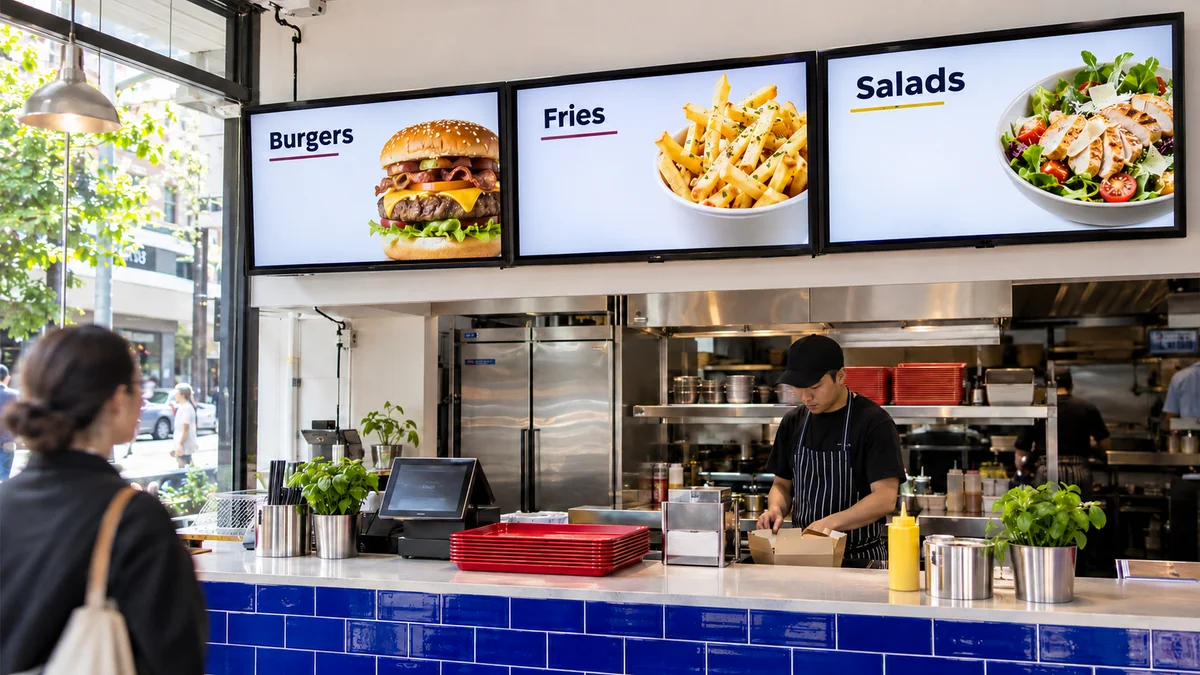
Keep the menu clear at the counter and prices visible while customers choose. A three-screen example covers layout, scheduling and how QR menus fit alongside displays.
Read articleManaging multiple locations
One campaign does not mean identical content on every screen. A three-branch example covers targeting, review and correcting an incorrect offer.

Choosing displays
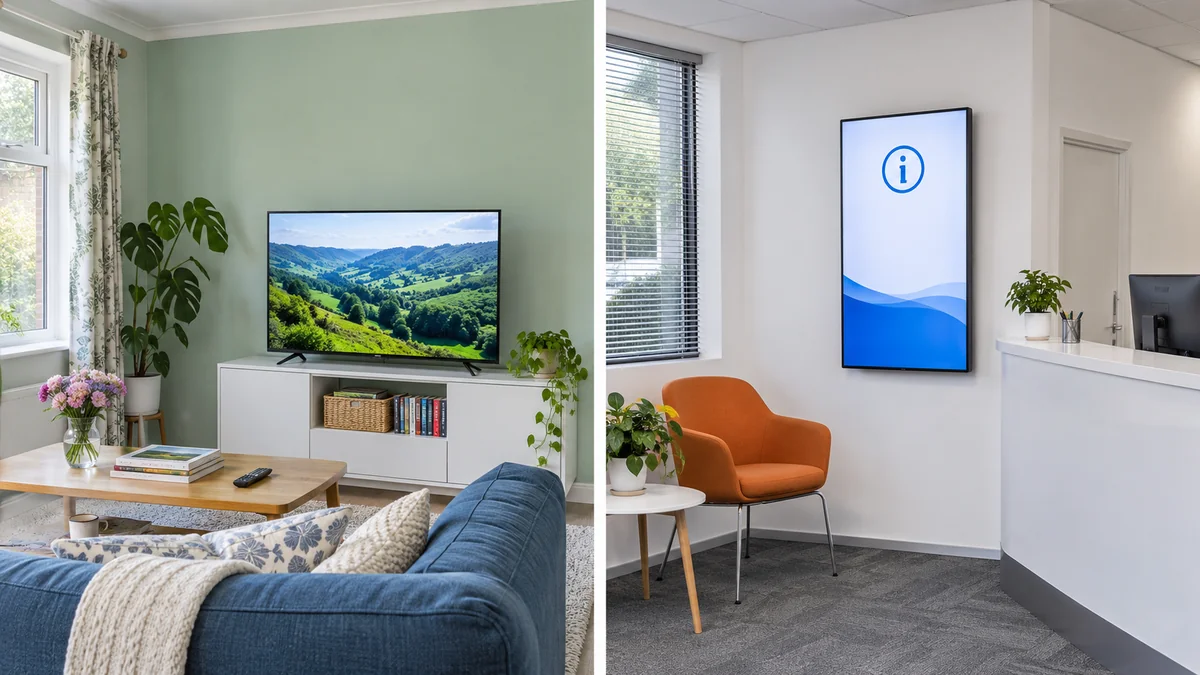
Turn “a clear screen” into a site test. A two-size comparison ties the decision to viewing distance, midday light and player compatibility.
Choosing displays
Compare two quotes against the same requirements, recording what documentation and a practical trial establish and what remains unconfirmed.
Content design
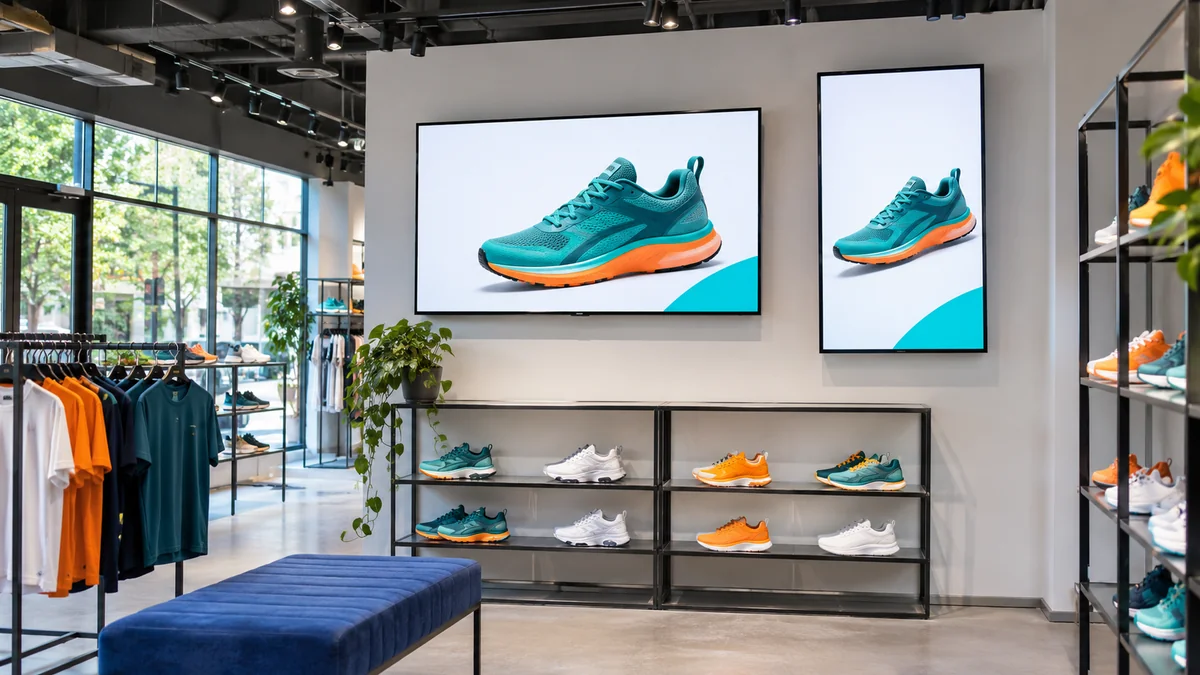
One promotion needs a layout for each orientation. Follow a two-format product example from file dimensions to checking readability after export.

Project planning
Turn a demonstration into a documented decision. A two-branch trial separates passed, failed and untested requirements before approval.
Find the setup guide for your display and a plan for your screen count.